Spine Module
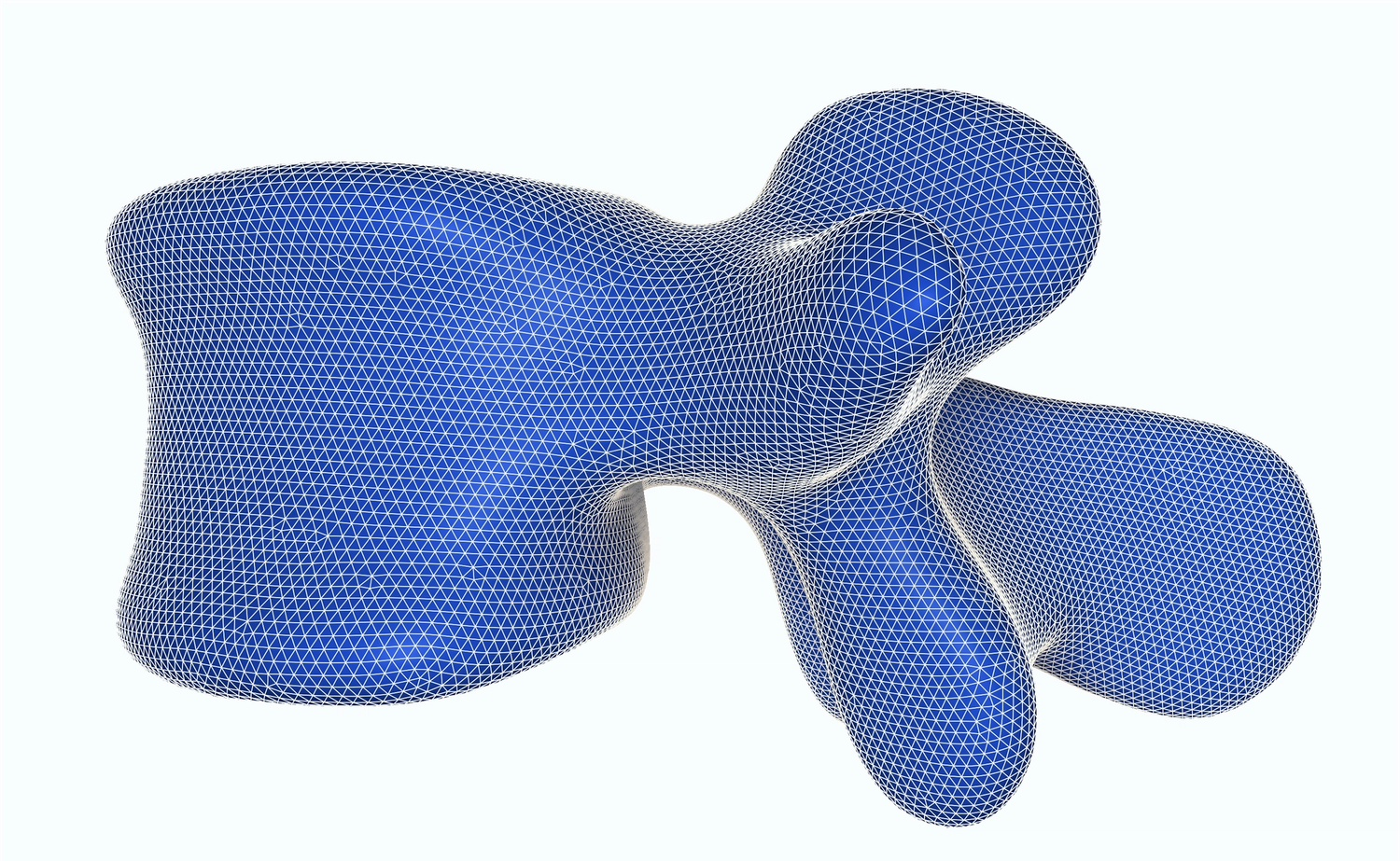
Detect and segment every vertebra locally in CT and MRI
Localize and segment every vertebra automatically with our advanced algorithms.
Register your self-defined template to any target spine, or register spines between different scans with our deformable registration to create powerful comparisons.
Keep all data in one place with our SpineData model, and plug into our templates, registration, and visualization — so you can move from planning to navigation without losing track.
From planning to navigation in one stack
We deliver a medical-grade spine stack you can drop into your application: localization, a shared representation, and registration to intra-operative imaging in one module.
Localization and segmentation pipeline
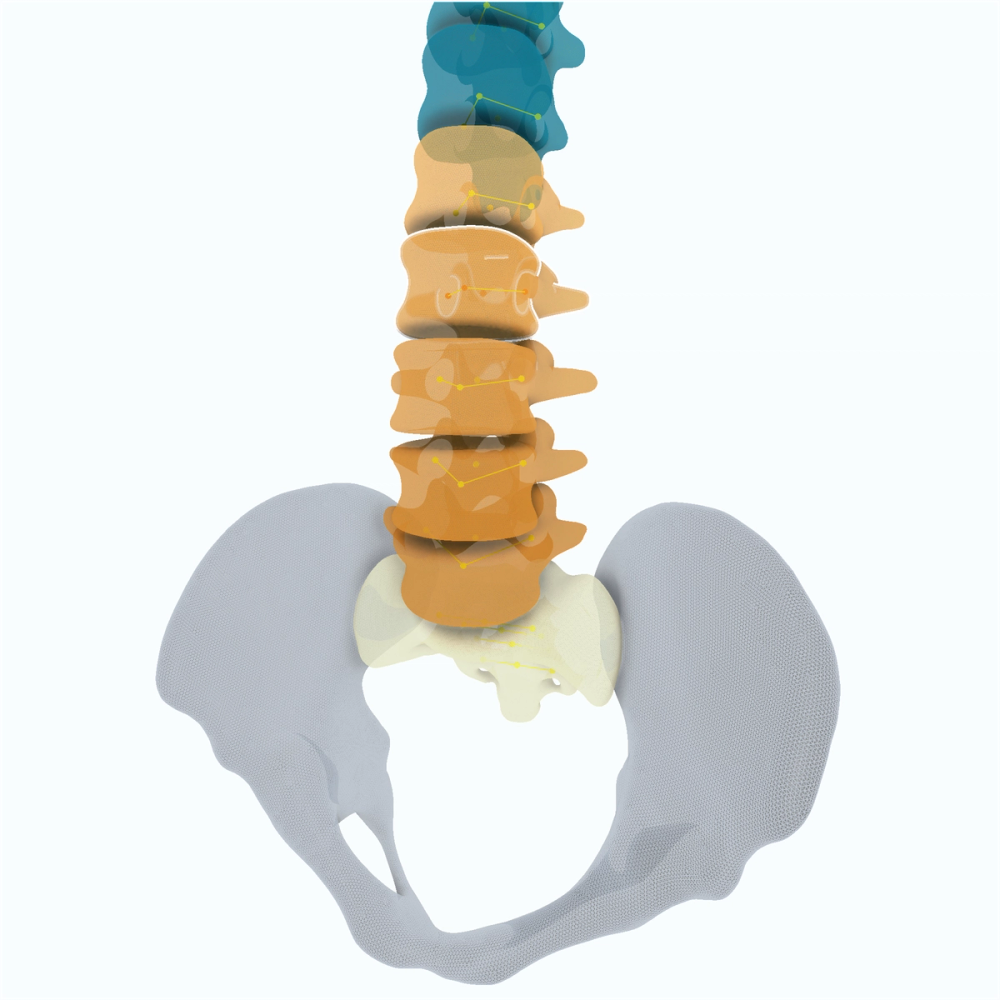
We localize, classify, and segment every vertebra with a deep-learning pipeline that runs locally. Use the included models on CT and MRI. We retrain as new data arrives, and we can fine-tune with you on your own data.
- Local CT and MRI vertebra localization, classification, and segmentation
- Models retrained as new data arrives
- Fine-tuning support on your data
Integrated spine representation
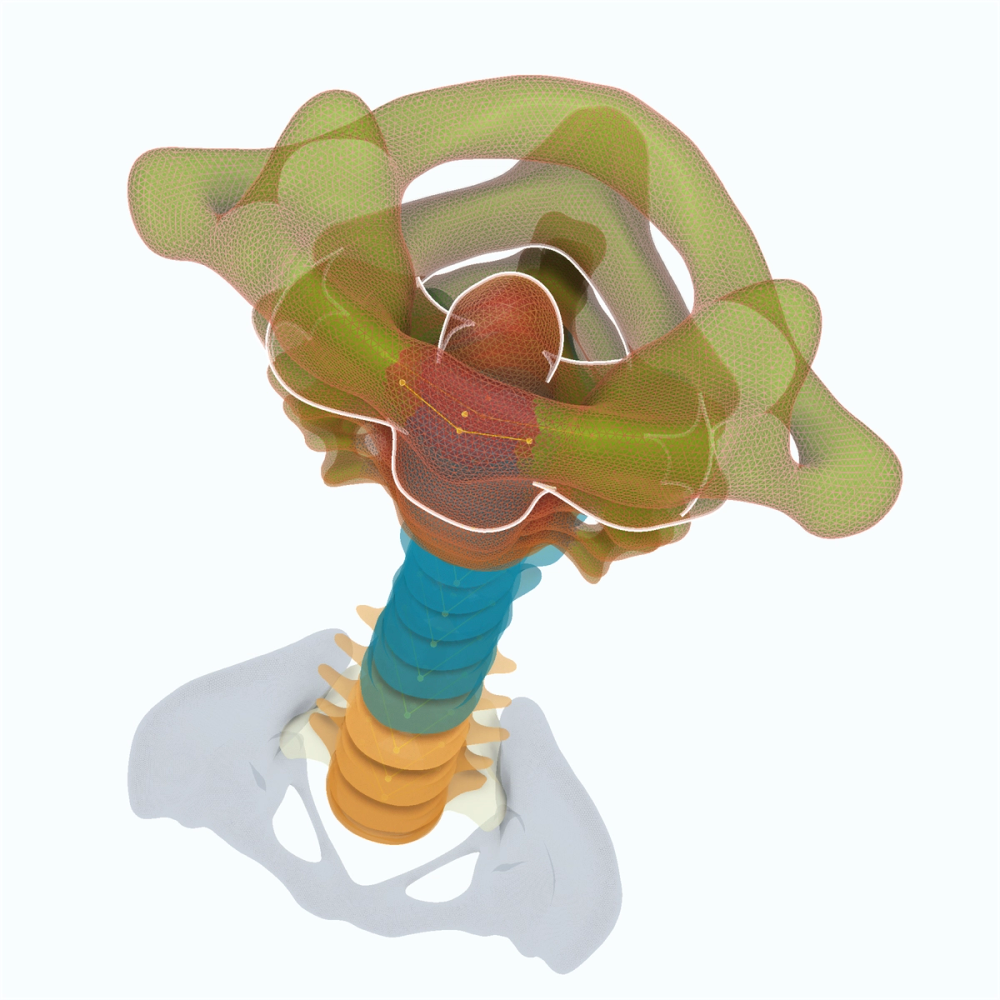
Our SpineData structure is a single representation of the spine that can be serialized and shared across applications. Access any mesh or segmentation directly, and export it to a wide range of standard file formats.
- Single serializable SpineData representation
- Direct mesh and segmentation access
- Standard export formats
Customizable spine templates
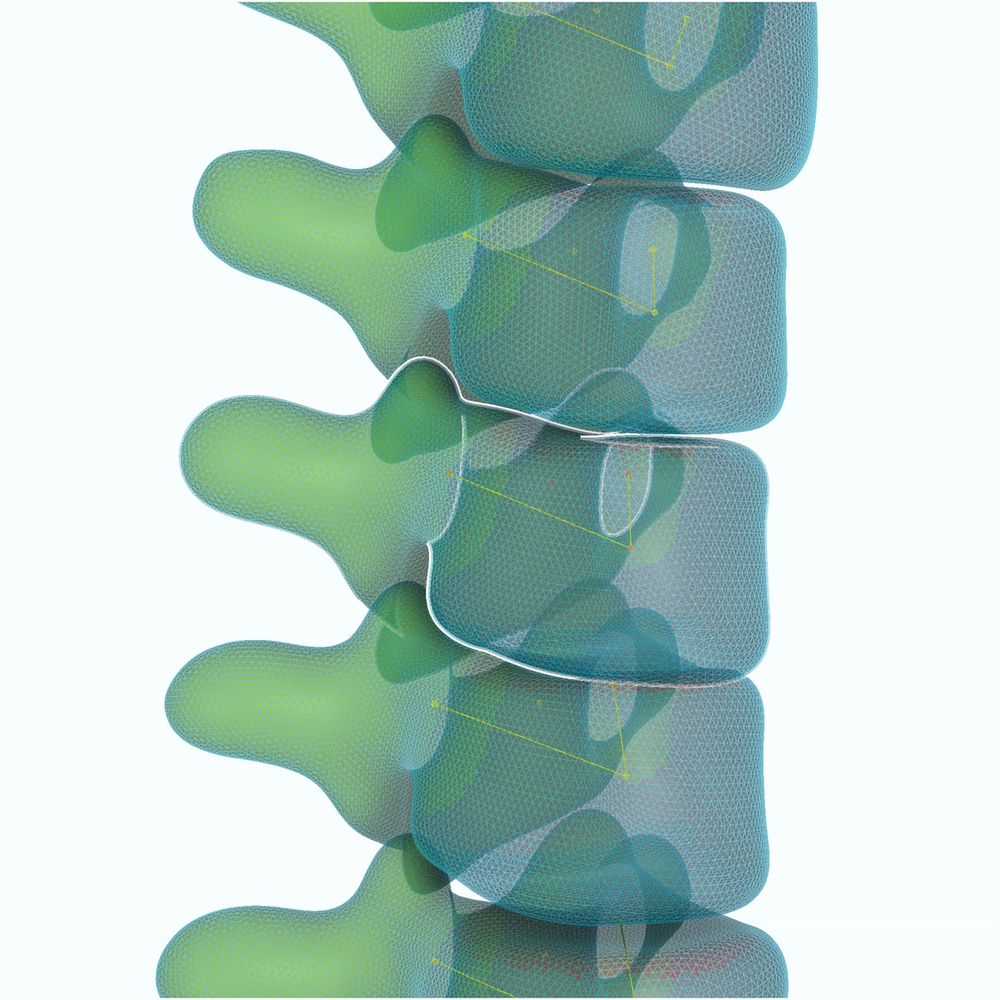
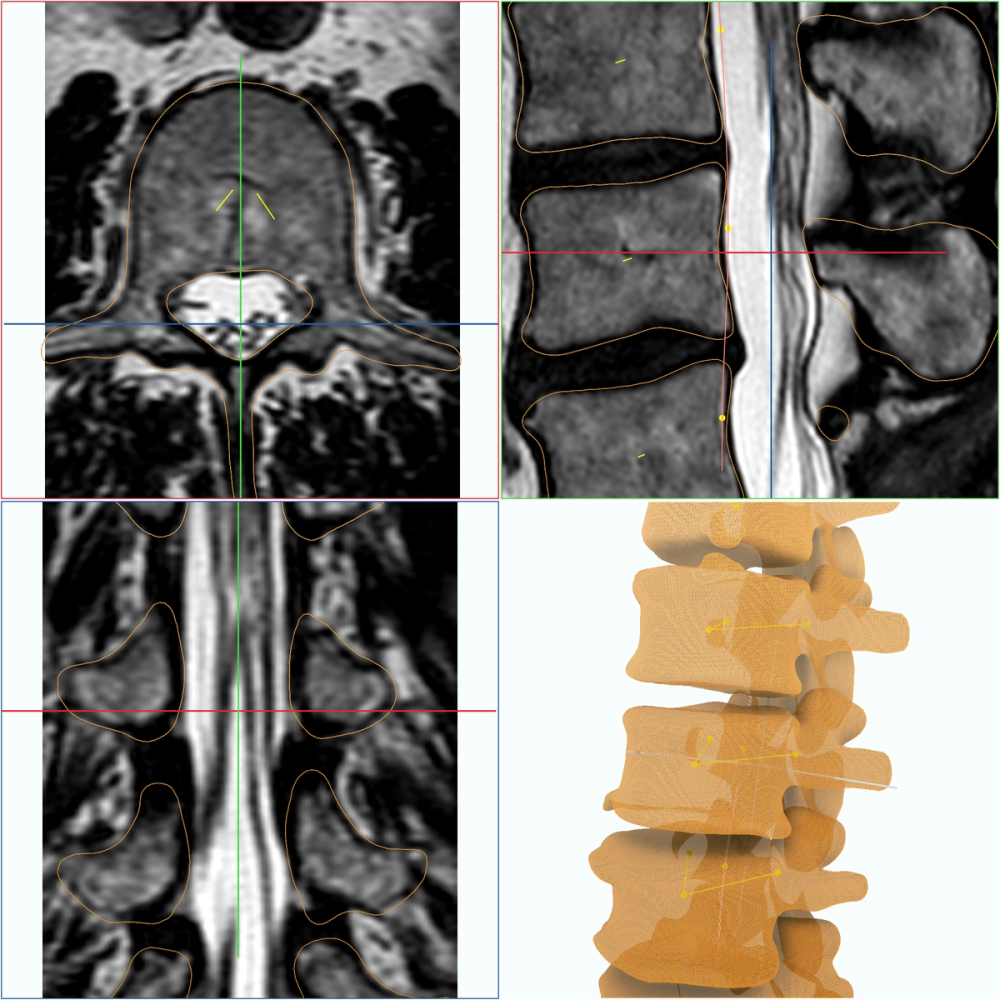
Our spine template defines an idealized spine we can register to any SpineData. Together we can define keypoints and regions on the template, then transfer them to a detected spine with our built-in registration.
- Idealized spine template registered to any SpineData
- Keypoints and regions defined on the template
- Transfer to a detected spine via registration
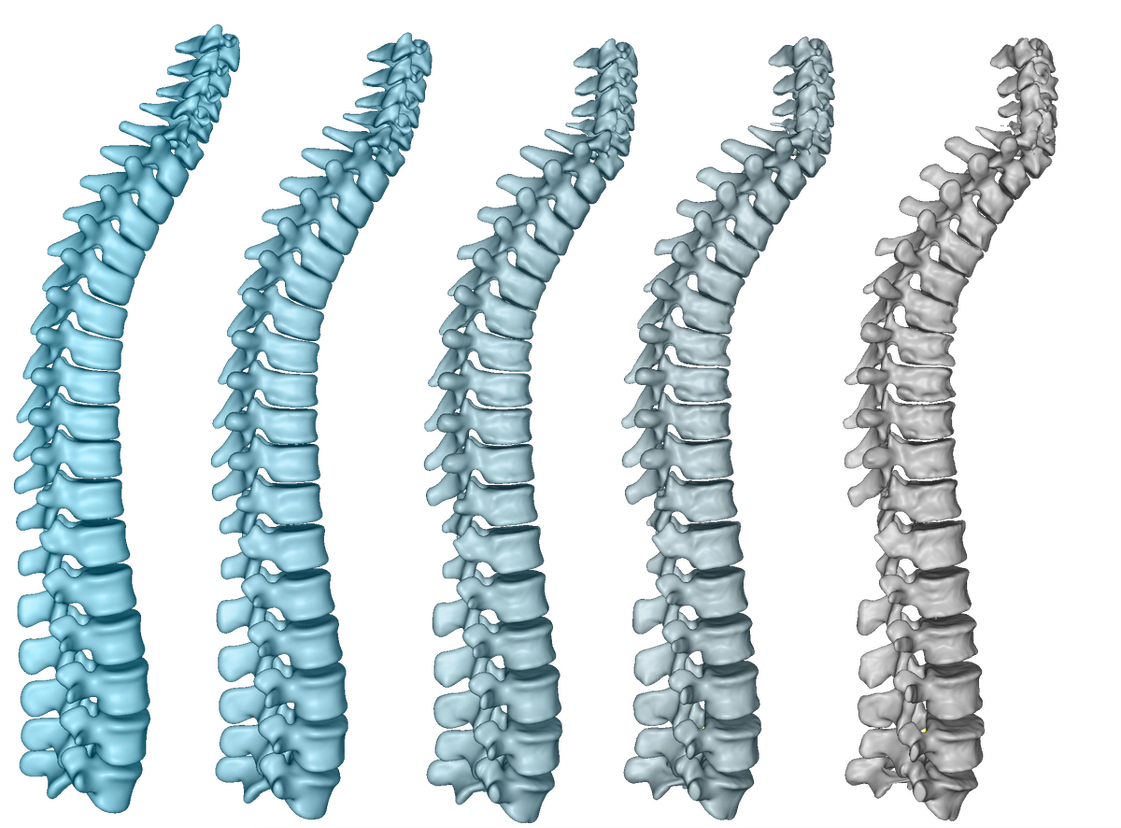
Deformable registration
We register two spines to each other with deformable or linear pipelines — for follow-up comparison, or to bring a template onto a detected spine. Landmarks in the body and pedicle of each vertebra can assist screw-placement logic or angle comparisons between levels.
- Deformable and linear spine-to-spine registration
- Template-to-detected-spine registration
- Body and pedicle landmarks per vertebra
The latest AI models
We keep the models current as new data arrives, and we stay in the loop with you when a case needs fine-tuning. That is partnership, not a one-off model drop.
- Models retrained as new data arrives
- Fine-tuning on your data, together
- Hands-on support from the team that trains the models
Streamline your spine workflow
Get a technical walkthrough of the platform to see our key workflows in action and assess fit.
Product Demo
In a product demo, we show you how the ImFusion Suite, SDK, and ImFusion Labels support medical imaging and data annotation workflows. We focus on the capabilities relevant to your application and discuss directly how our technology could fit into your product or support your use case.
- See integration points mapped to your specific tech stack
- Identify bottlenecks before committing development resources
- Validate data format compatibility and transformation requirements
- Get immediate answers from engineers who built the system