Navigation Module
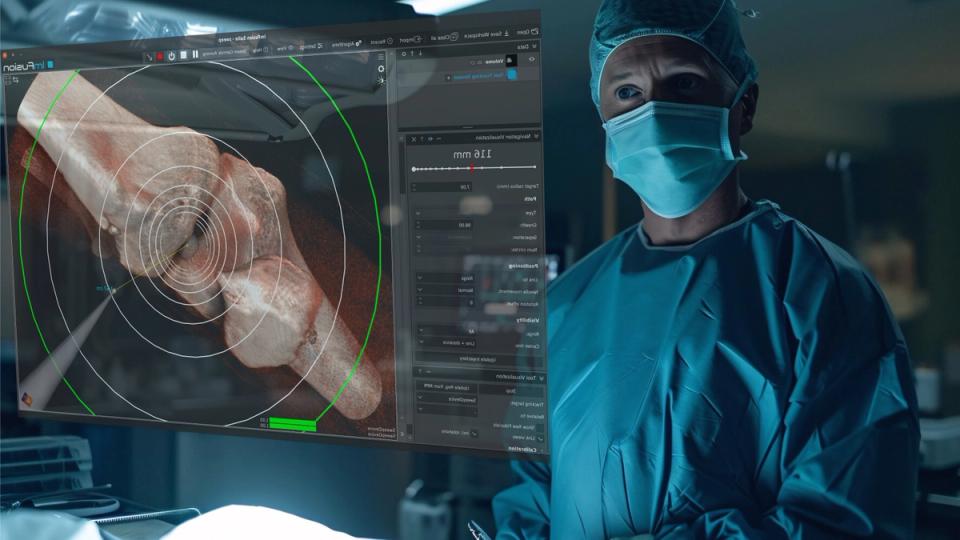
From planning to real-time 3D guidance
From planning with annotated scans to real-time 3D navigation using tracked tools or ultrasound, every step sits in one guidance loop. Compatible with major tracking systems and built to work with your imaging data.
A coherent scene from pre-op to intra-op
Skip the driver work and keep a coherent, real-time 3D scene from pre-op to intra-op.
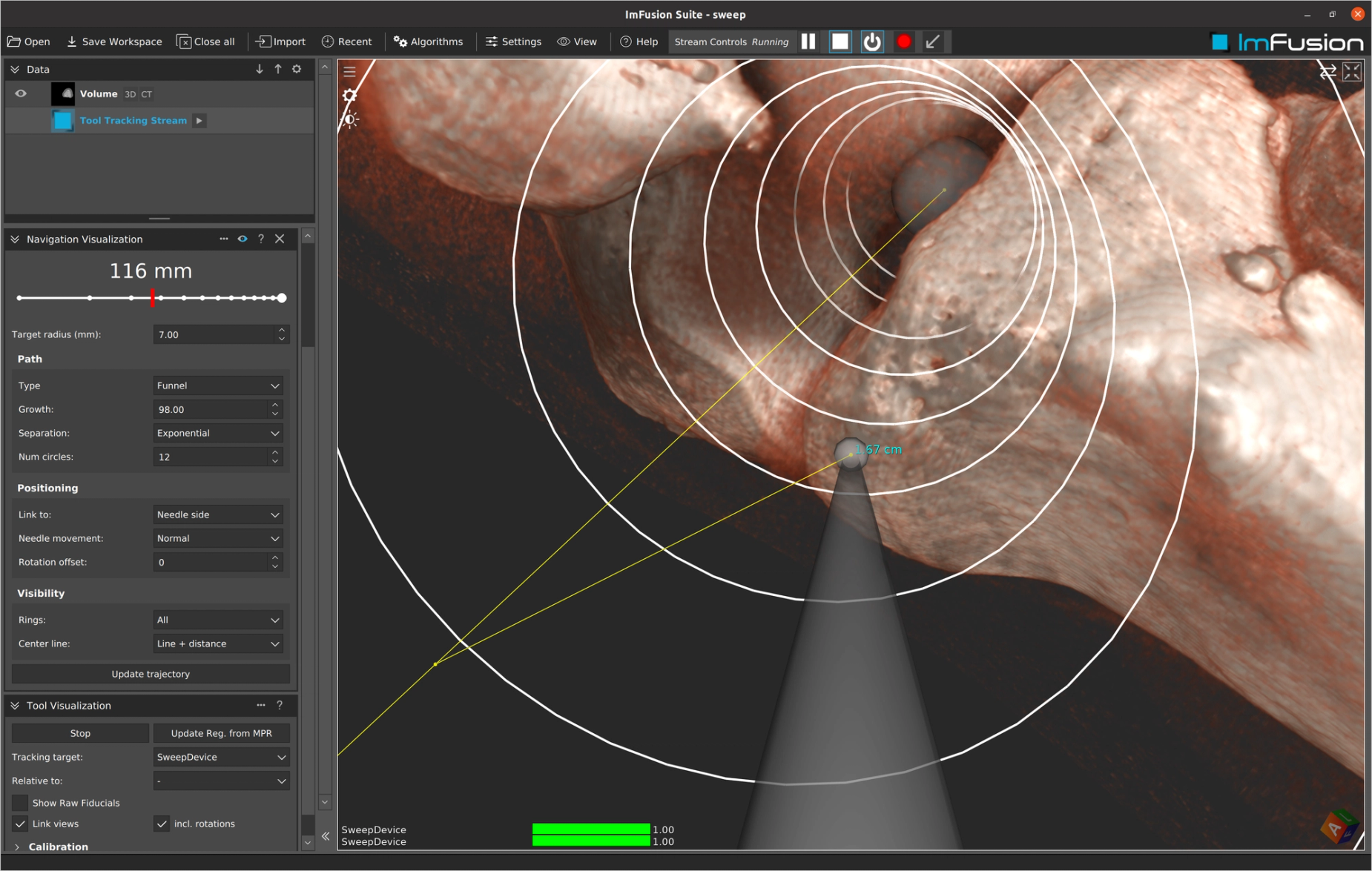
Hardware integration
We connect directly to leading navigation systems — optical, electromagnetic, or hybrid — so you can focus on the procedure, not device drivers.
- Optical, electromagnetic, and hybrid tracking
- Easy setup of relative tracking to an arbitrary target tool
- Visualization of tracking target and tool
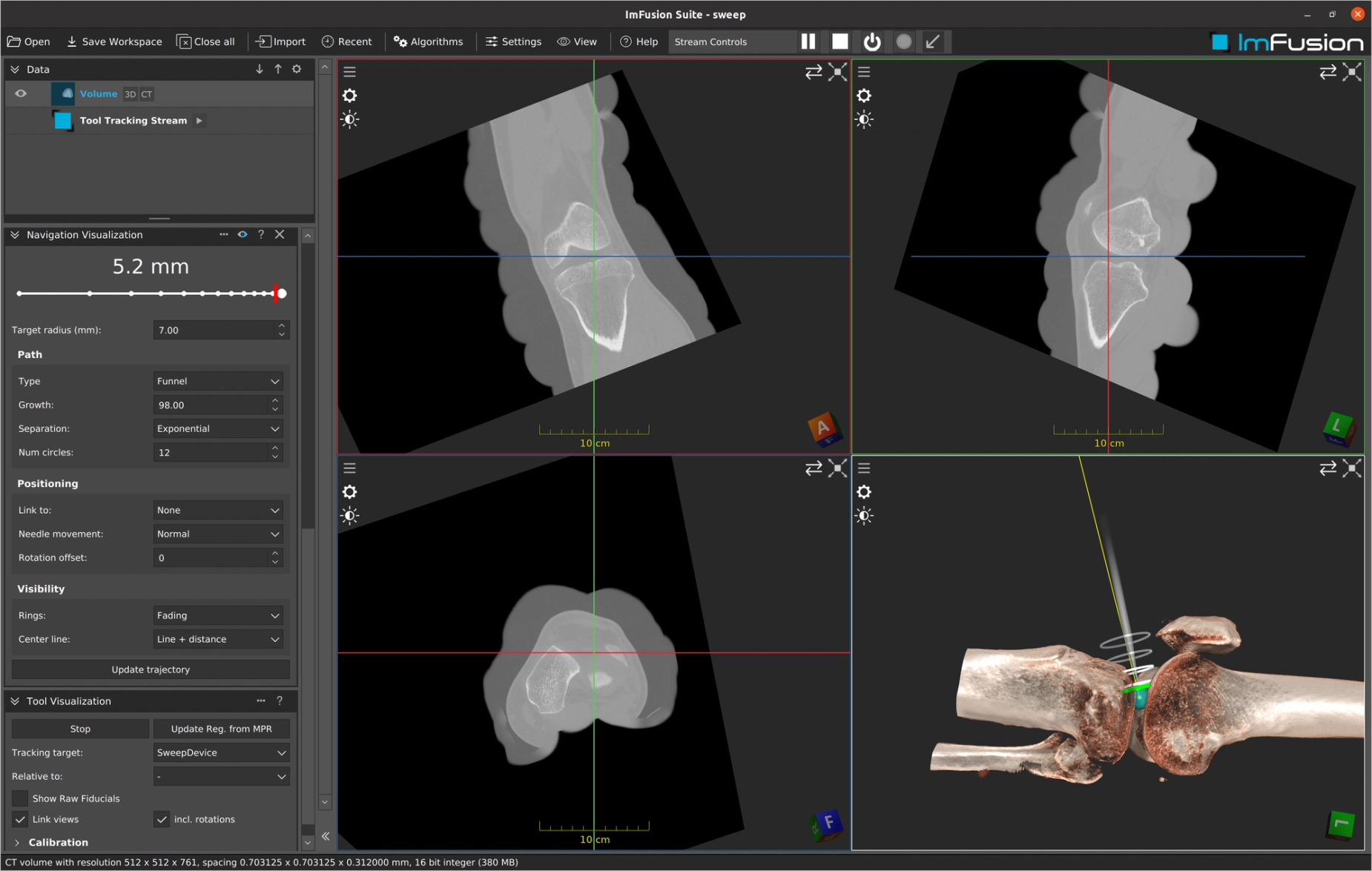
Smart, flexible registration
Fuse pre-op images with intra-op images and live tracking using the method that fits the workflow: landmarks, image intensity, or surface registration.
- Landmark, intensity, and surface registration
- Full integration of calibration and registration matrices in tracking
- A coherent, real-time 3D scene
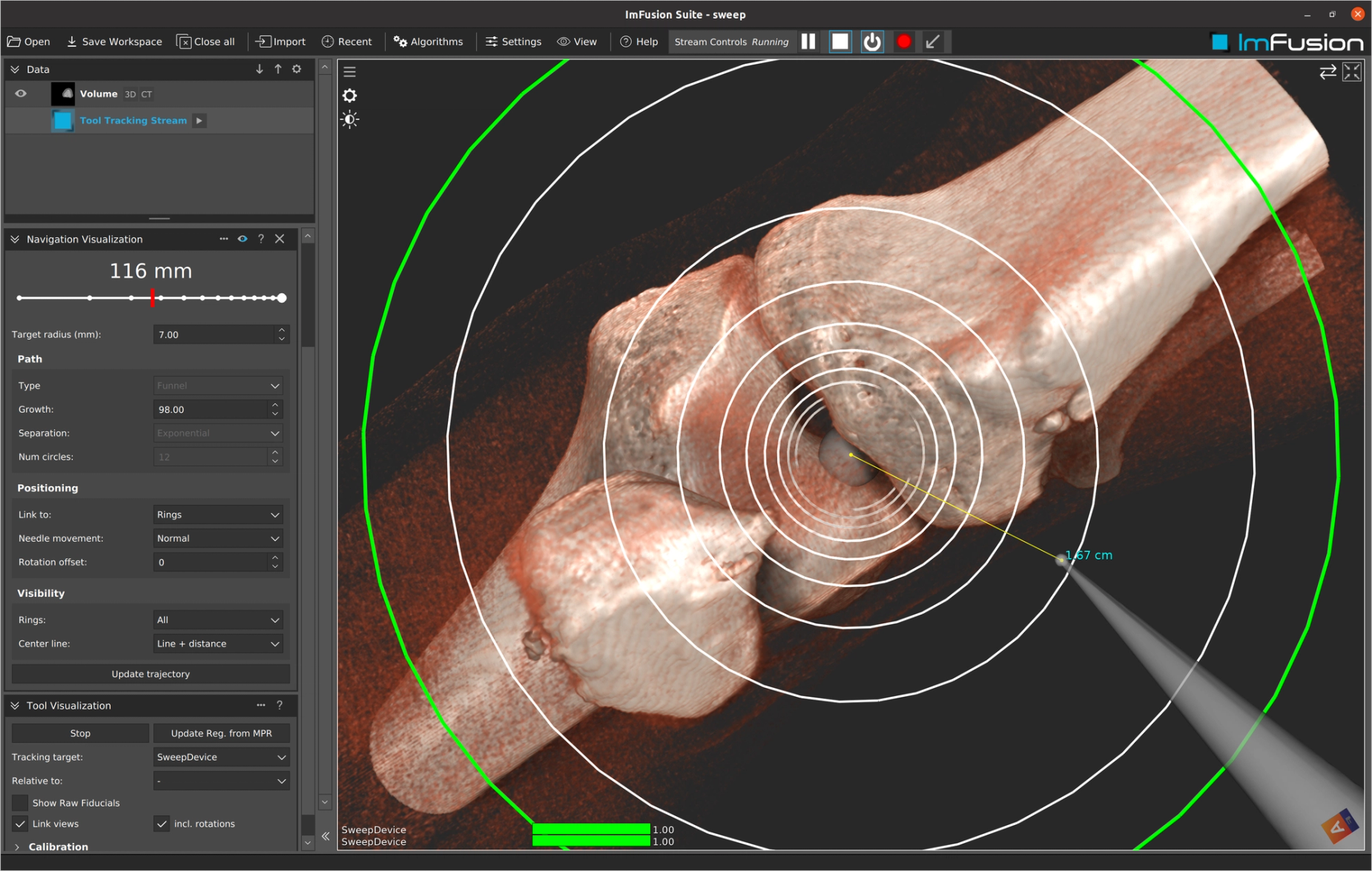
Guidance the way you need it
Whether you are holding a tracked tool, aiming for a target, or navigating in VR, choose from 3D views such as bullseye, tunnel, or tool-in-hand — tailored to the approach.
- Bullseye, tunnel, and tool-in-hand views
- Simple workflow for tool calibration
- Customizable 3D guidance layouts
Get a technical walkthrough of the platform to see our key workflows in action and assess fit.
Product Demo
In a product demo, we show you how the ImFusion Suite, SDK, and ImFusion Labels support medical imaging and data annotation workflows. We focus on the capabilities relevant to your application and discuss directly how our technology could fit into your product or support your use case.
- See integration points mapped to your specific tech stack
- Identify bottlenecks before committing development resources
- Validate data format compatibility and transformation requirements
- Get immediate answers from engineers who built the system