Visual computing for medical imaging
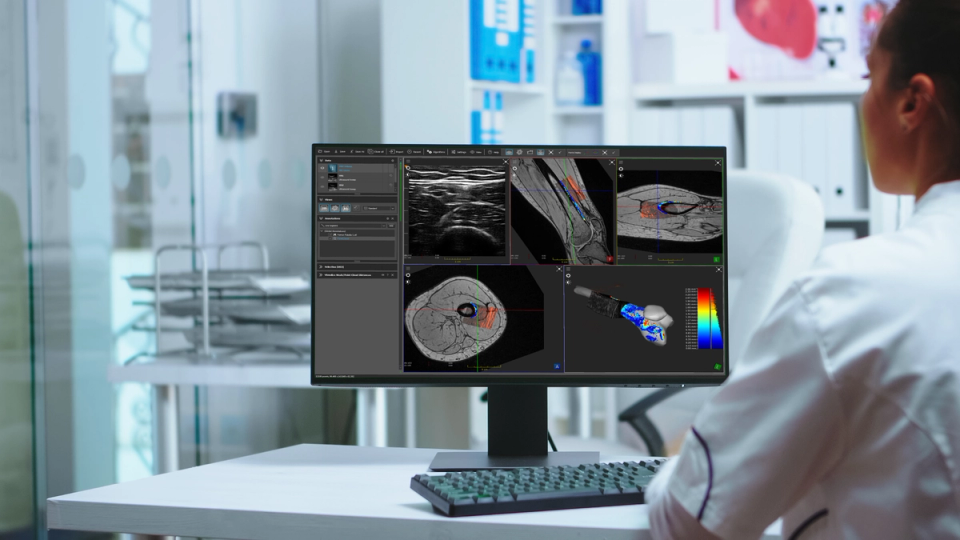
Develop, visualize, and test medical imaging workflows faster
Easy access to high-performance imaging capabilities
The ImFusion Suite is the visual interface to the ImFusion SDK. It gives researchers and developers direct access to our medical image computing capabilities in an interactive desktop application, making it easy to inspect data, configure algorithms, combine processing steps, and see results immediately.
Comprehensive workflow and modality coverage
Work with 2D, 3D, and 4D data from different modalities in one workspace. Compare and fuse images, run registration, segmentation, and machine learning methods, and inspect the results in flexible 2D and 3D views. Save complete workflows for repeatable execution or process larger datasets in batches, helping you test approaches before committing to application development.

Unified interface for diverse modalities
One environment for all your imaging data
Bring heterogeneous medical imaging and spatial data into one consistent environment for visualization, processing, and comparison. ImFusion Suite removes the need for separate tools and conversion steps, allowing you to construct multimodal workflows while preserving the dimensional, temporal, and spatial context of each dataset.
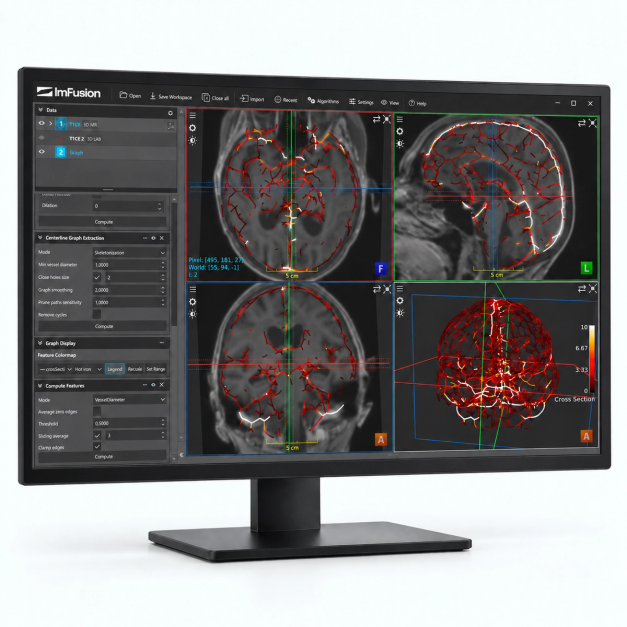
Multidimensional image data
Work with 2D, 3D, and 4D single or multichannel images from different imaging modalities.
Medical and geometric file formats
Import DICOM data directly from file systems or PACS alongside NIfTI, MetaImage, common image and video formats, and PLY or OBJ geometry.
Synchronized dynamic data
Combine image streams with timestamps and tracking information to develop and evaluate real-time imaging workflows.
Algorithmic processing
Configure, test, and compare processing workflows interactively
Build and evaluate medical image processing workflows without implementing every component from scratch. ImFusion Suite combines established algorithms with GPU acceleration and machine learning integration, allowing you to configure processing steps, inspect intermediate results, and compare different approaches interactively.
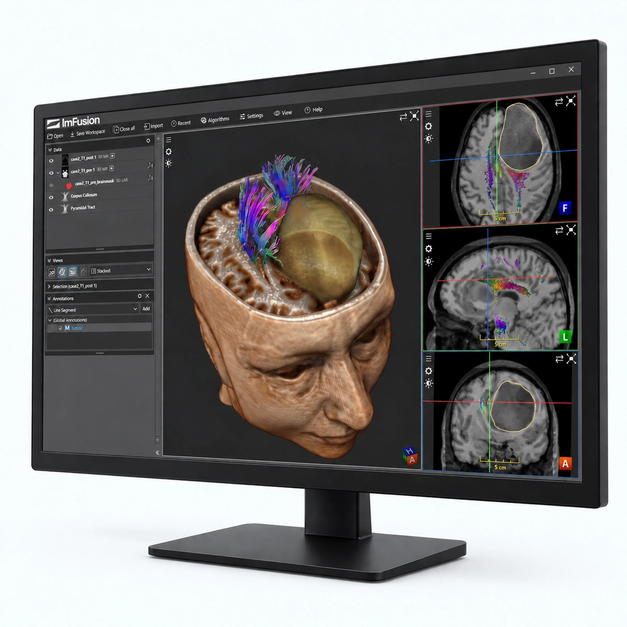
Automatic image registration
Align images using rigid, affine, or deformable models, with GPU-accelerated similarity metrics for both single-modality and multimodal data.
Labeling and segmentation
Create and refine annotations with manual and semi-automatic tools for segmenting structures in 2D and 3D datasets.
Machine learning integration
Apply machine learning models within broader processing workflows and combine their outputs with registration, segmentation, visualization, and further analysis.
Advanced visualization
See images, anatomy, and spatial relationships in context
Explore medical images, anatomical models, and geometric data together in responsive 2D and 3D views. ImFusion Suite combines GPU-accelerated rendering with flexible layouts and specialized techniques for challenging data, allowing you to inspect processing results and spatial relationships interactively.
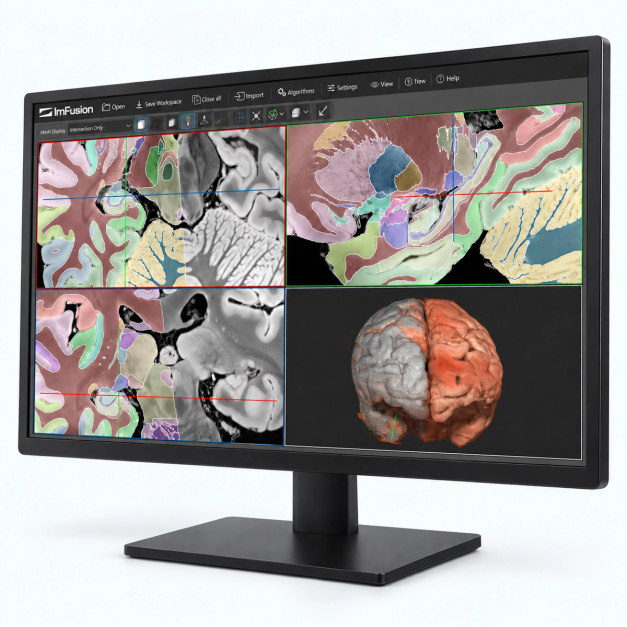
Flexible 2D and 3D layouts
Configure 2D, 3D, and multiplanar reconstruction views to examine datasets from different perspectives within one workspace.
Combined image and geometry rendering
Blend and fuse multiple images with segmentations, meshes, landmarks, and other geometric data to visualize their spatial relationships.
Real-time rendering and interaction
Use global illumination, order-independent transparency, clipping, masking, and deformation fields interactively. Gradient-free shading improves the visualization of noisy volumes such as 3D ultrasound.
Integrated development environment & modular architecture
Easily develop, test, and extend your applications
Access ImFusion SDK capabilities through an interactive interface for developing, configuring, and testing algorithms in C++ or Python. A plugin-based architecture lets you combine specialized modules for medical imaging, machine learning, computer vision, and robotics, while adding custom functionality without changing the core application.
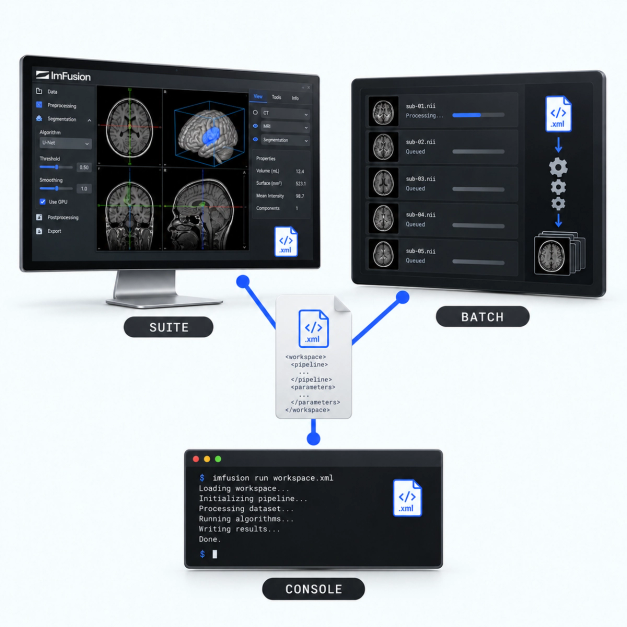
Reproducible workspaces
Store processing steps, parameters, data references, and view configurations in XML-based workspaces that can be shared and executed consistently.
Batch processing
Apply configured workspaces across multiple datasets to evaluate algorithms and process larger data collections efficiently.
Standalone console application
Run the same workspaces from a standalone console application without the graphical interface, making them suitable for automated processing pipelines.
Video tutorials
Image import and visualization
Running algorithms
Interactive segmentation
Get a technical walkthrough of the platform to see our key workflows in action and assess fit.
Product Demo
In a product demo, we show you how the ImFusion Suite, SDK, and ImFusion Labels support medical imaging and data annotation workflows. We focus on the capabilities relevant to your application and discuss directly how our technology could fit into your product or support your use case.
- See integration points mapped to your specific tech stack
- Identify bottlenecks before committing development resources
- Validate data format compatibility and transformation requirements
- Get immediate answers from engineers who built the system